December 4, 2020
Create AWX Project from gitlab.com
I have the Ansible playbook and variables stored in a GitLab repo. These are the steps I’ve done to synchronize it to AWX.
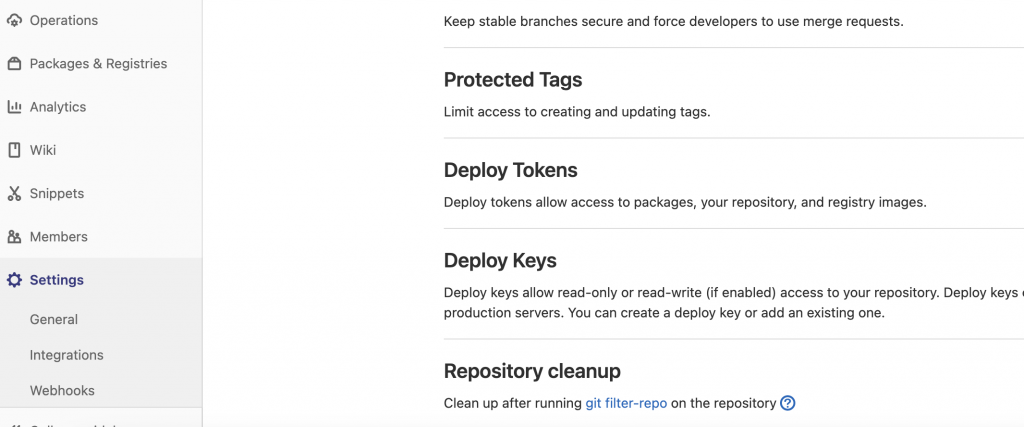
In gitlab.com choose Repository → Settings → Deploy Tokens and create a token with a password.
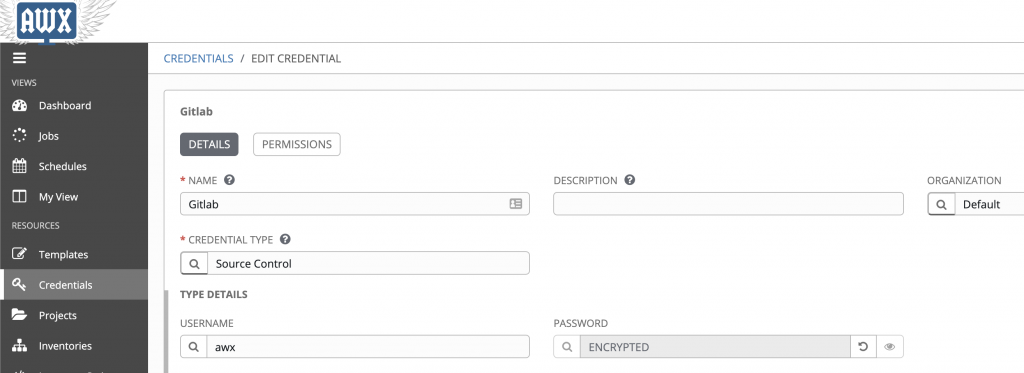
In AWX create a credential to synchronize the gitlab.com repository. Use the username and password you created before in the gitlab.com repo.
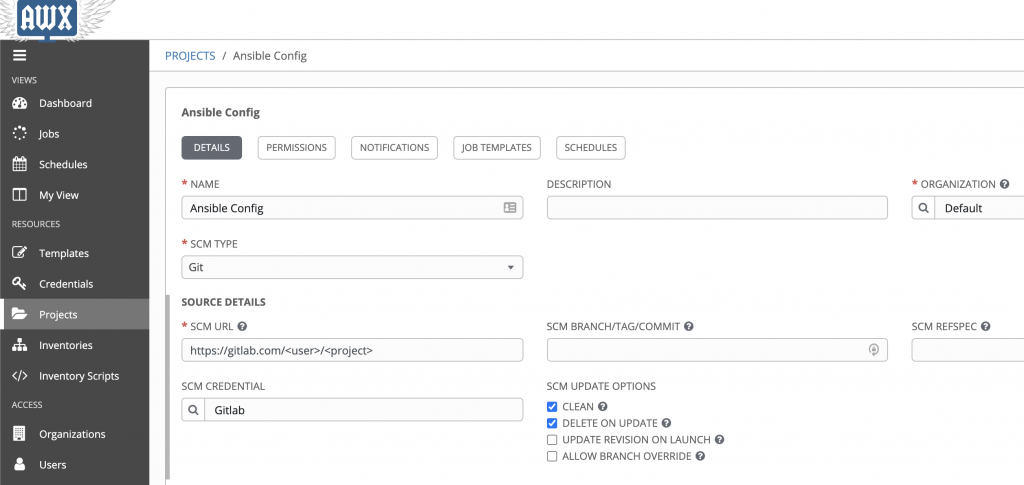
Then go to Projects and put the repo URL in “SCM URL”, and choose the credential created before.