December 14, 2020
Create vCenter Support Bundle failed in UI
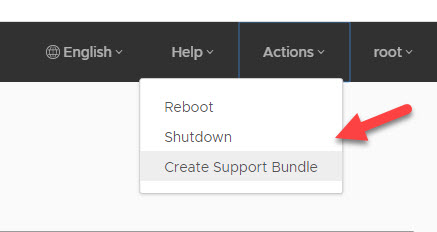
I started the creation of a vCenter support bundle over the admin UI of the vCenter Appliance by clicking on Actions → Create Support Bundle.
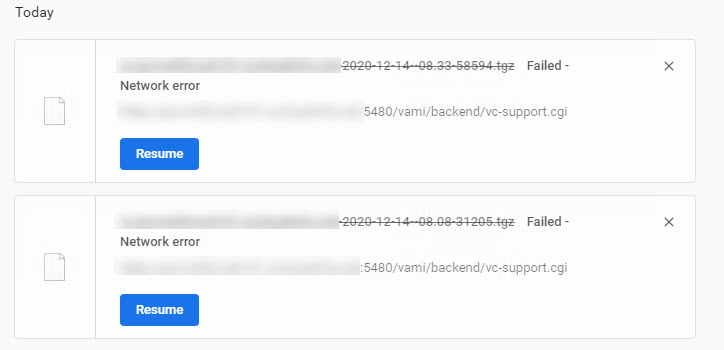
But after a while, the download failed with a network error.
So if the creation of the bundle is not working over the UI, you can also do it manually over the shell.
Login with SSH to the vCenter and run the following command:
shell
vc-support -l
When the command is finished, it will show you the path where you can download the file. So you can just download the file with WinSCP and afterwards manually delete it on the appliance.
