December 3, 2020
Install AWX on CentOS 8
I would like to automate a lot of tasks at home too, so I installed AWX and these are the steps I did.
First I installed Docker based on the following documentation: https://docs.docker.com/engine/install/centos/
# Install Docker
yum install -y yum-utils
yum-config-manager --add-repo https://download.docker.com/linux/centos/docker-ce.repo

yum install -y docker-ce
systemctl enable docker
systemctl start docker

# Test Docker
docker run hello-world
When Docker is running successfully, install the prerequisites needed for AWX.
yum install -y python38
yum install -y git
yum install -y ansible
yum install -y pwgen
pip3 install docker
pip3 install docker-compose
Then I create a dedicated folder for AWX, and inside it two directories for the projects and the Python virtual envs used in AWX. After creating the folders, clone the git repo and check out the needed version.
mkdir -p /opt/awx/projects
mkdir -p /opt/awx/my-envs
cd /opt/awx
git clone --depth 50 https://github.com/ansible/awx.git
git checkout 15.0.1 # or choose another version from https://github.com/ansible/awx/tags
After cloning the repo, change the settings in the inventory file as you need. For a basic installation I just changed:
# Generate a random secret key with
pwgen -N 1 -s 30project_data_dir=/opt/awx/projects
custom_venv_dir=/opt/awx/my-envs/
secret_key=XXXXXXXXXXXXXXXXXXXXXXXXXXXXBefore starting the installation, open the firewall ports needed to access AWX and for Docker.
firewall-cmd --zone=public --add-service=http --permanent
# Docker and firewalld
firewall-cmd --zone=public --add-masquerade --permanent
As a final step, start the installation by running the installation playbook with Ansible.
cd /opt/awx/awx/installer
ansible-playbook -i inventory install.yml

# check if containers are running with:
docker ps
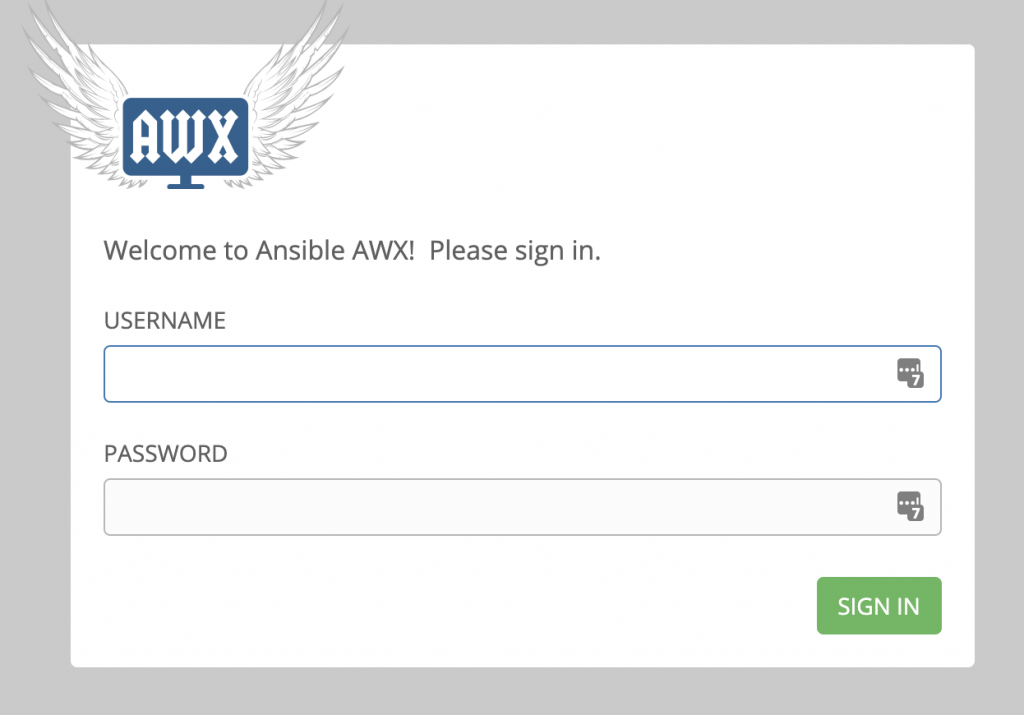
After a while you see the AWX login screen, and you can log in with admin:password.