November 28, 2020
Install ESXi on Intel NUC 10i5FNH
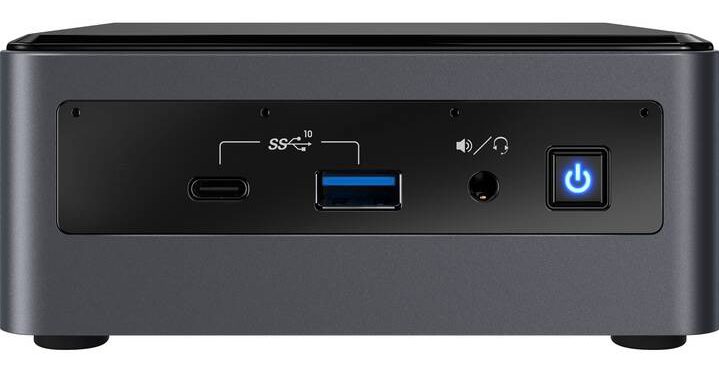
I’m just updating my home lab and bought 2x Intel NUC 10i5FNH.
I used the following components, to be able to try out some vSAN stuff too (hopefully bought the right things):
- Intel NUC 10i5FNH
- SanDisk USB-Stick Ultra Fit USB3.1 32 GB (install ESXi)
- Samsung 860 EVO Basic (500GB, 2.5″)
- SSD Samsung 860 EVO, 250GB, M.2, 2280 Basic
- Corsair Vengeance SO-DDR4 32GB 2-Kit
Make sure you use ESXi version 7.0 Update 1, because this version already includes the network driver for the Intel NUC. Otherwise you get the following error message during installation: “Exception: No vmknic tagged for management found”. If you would like to use an older version, you have to include the network driver manually into the installation medium.
Good documentation on how to do it can be found on the blog of virten.net: https://www.virten.net/2020/03/esxi-on-10th-gen-intel-nuc-comet-lake-frost-canyon/
I manually downloaded the latest version available from VMware and created an ISO myself.
# (If not done yet) Install PowerCLI Module
Install-Module -Name VMware.PowerCLI -Scope CurrentUser

# Add VMware Software Depot
Add-EsxSoftwareDepot https://hostupdate.vmware.com/software/VUM/PRODUCTION/main/vmw-depot-index.xml

# Find latest available Profile
$image_profiles = Get-EsxImageProfile
$image_profiles | where name -like "ESXi-7.*" | Sort-Object modifiedTime

# Export Profile to Iso
Export-EsxImageProfile -ImageProfile "ESXi-7.0U1b-17168206-standard" -ExportToIso .\7.0U1_Nuc.iso
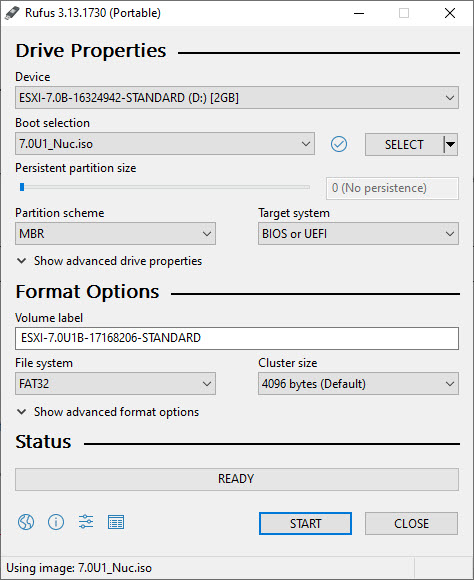
Then I used the Rufus portable edition to create a bootable USB stick (https://rufus.ie/).
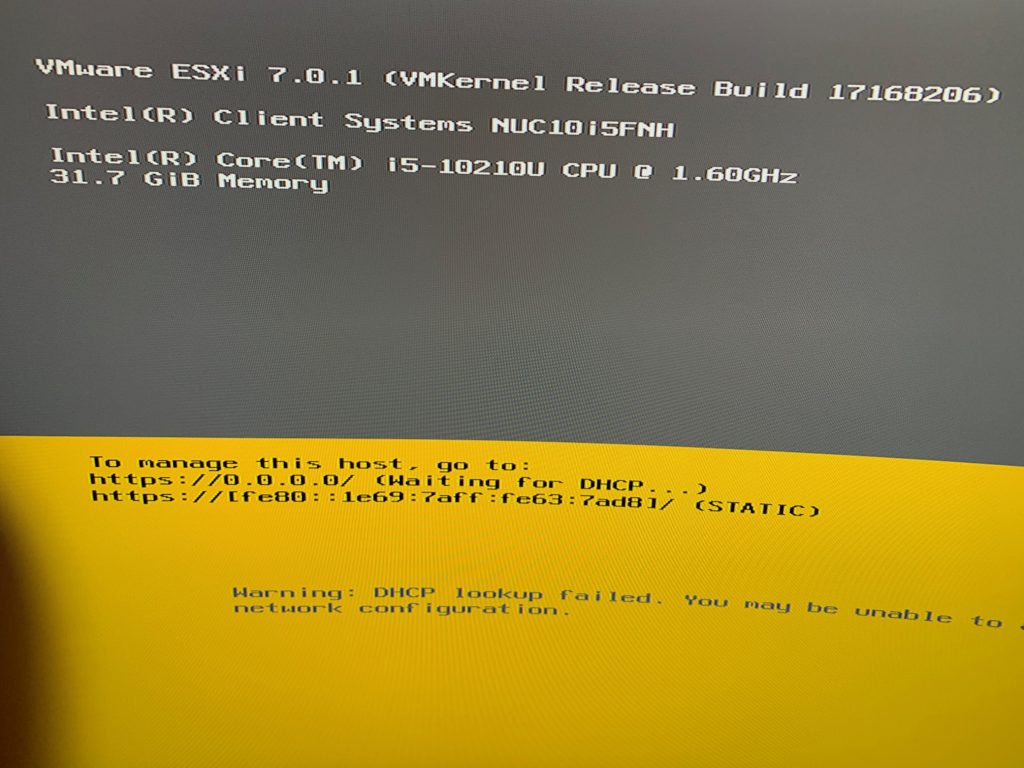
After that I just booted from the USB stick and installed ESXi on the 32GB Ultra Fit USB stick.